

Projects in Cetopo
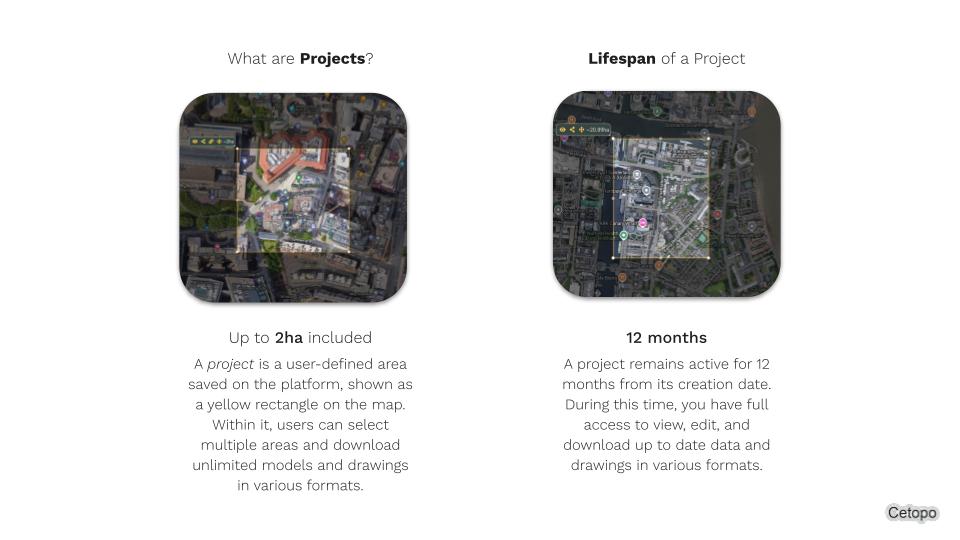
In Cetopo, a project is a defined area on the map where you can access and download unlimited models and drawings. Projects remain active for 12 months and can be renewed anytime.
More about projects in Cetopo →
Creating Projects
To create a project, use the rectangle selection tool after searching for your site. Then click ‘Create or Select Project,’ name it, and confirm.
Step-by-step guide to creating projects →
Selecting Projects
Your active and expired projects appear in the left-hand menu when you log in. Just click a project name to open and start working on it.
Expanding Projects
Need more area? Open your project, click the name at the top center of the map view, and choose ‘Expand Project’ to adjust boundaries and confirm any added cost.
Learn how to expand your project area →
